
AV Setup Guide
Updated 12/2025
For sound follow these steps
Step 1: Turn on the mixer
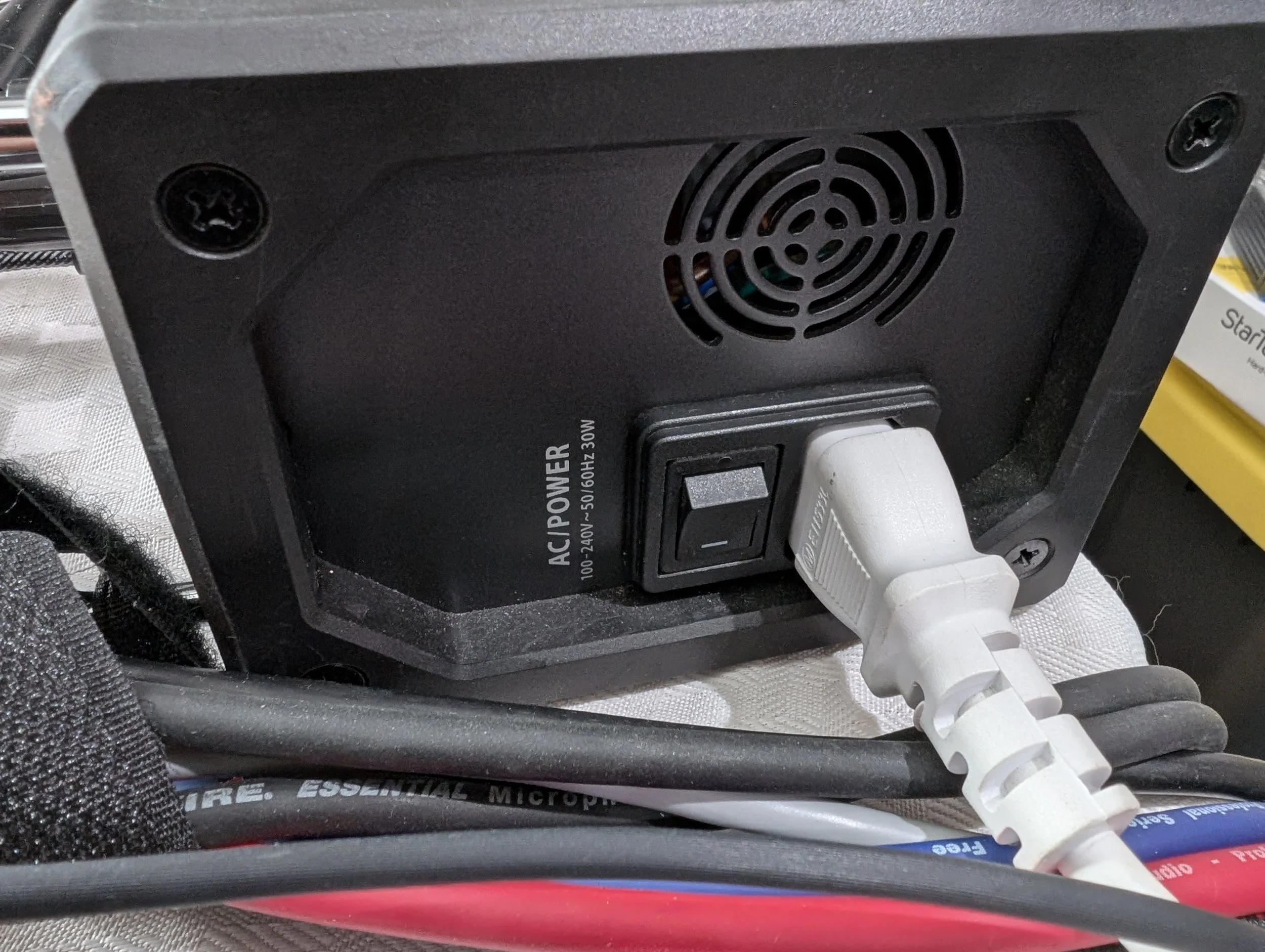
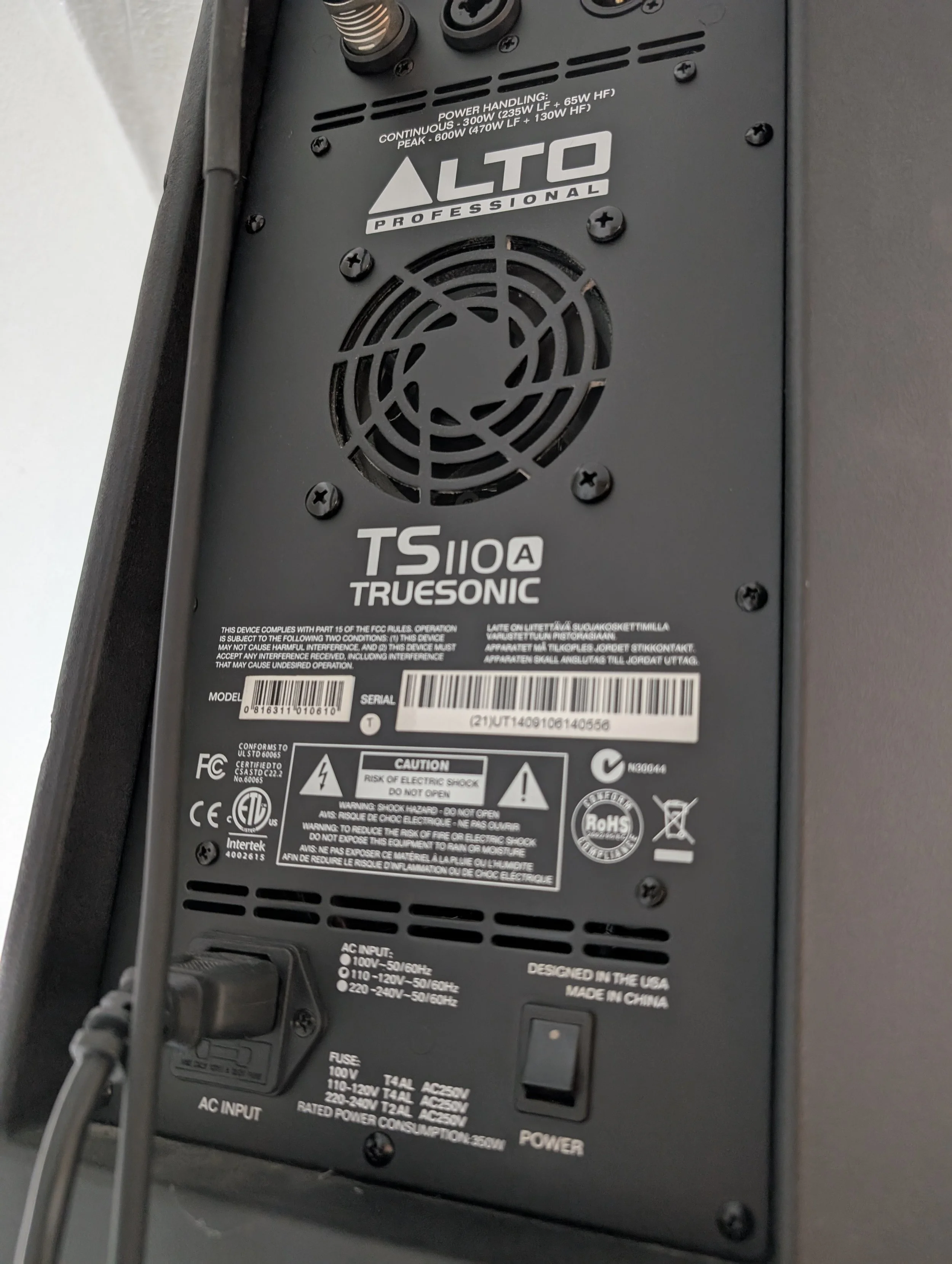
Step 2: Turn on each of the two speakers
Step 3: Turn on laptop that will be controlling the mixer
Step 4: Start up the mixer controlling programs (XAir)
Step 5: Turn on Pastor’s wireless receiver

For the Powerpoint follow these steps
Step 1: Turn on the Powerpoint laptop
Step 2: Plug the monitor out cable into the laptop
Step 3: Turn on each of the two TVs
Optional for the Youtube worship
Plug in the headphone jack into this laptop, from the mixer it should be the cable plugged into ch 7 & 8

It is not advised to run both the Mixer software and PPT on the same machine, especially during the YT Sunday service
For the Security cameras
Step 1: Make sure the HDMI cable to the monitor on the left is plugged into the laptop
Step 2: On the church laptop, start up the application called OBS
Step 3: Right click on the preview area
Step 4: Select Open Preview Projector and select the option that starts with LG